
 Overview
 What's new
 How to Use
 Step by step
 Video tutorials
 Technical Questions
 License Questions
 Recent Questions
 Demos
Demos Bulgy
Bulgy Recent
 Easy Builder
 Push Tall (responsive)
 More demos
 Download
 Contact
Fancy Drop Down Menus with Pure CSS!
Create responsive, mobile-friendly web menus with CSS only. Light, fast, gorgeous menus - completely code-free.
 FREE download
 More demos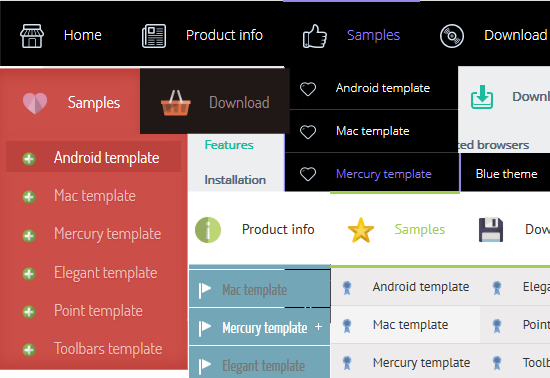
Overview
CSS3 is changing how we build websites. Even though many of us are still reluctant to start using CSS3 due to the lack of support in some browsers, there are those out there that are moving forward and doing some amazing stuff with its cool new features. No longer will we have to rely on so much JavaScript and images to create nice looking website elements such as buttons and menu navigations.
You can build a cool rounded navigation menu, with no images and no Javascript, and effectively make use of the new CSS3 properties border-radius and animation. This link in bio menu works perfectly well with Firefox, Opera, Chrome and Safari. The dropdown also works on non-CSS3 compitable browsers such as IE7+, but the rounded corners and shadow will not be rendered. CSS3 transitions could one day replace all the fancy jQuery animation tricks people use.
Menu Features

No Javascript is required
Works in browsers with disabled Javascript or if a browser has no Javascript support at all.
Responsive menu
Menu smoothly adapts to the viewing environment. See responsive menu demo..
SE friendly
Search engines and text-only browsers friendly.
Browser support
Supports all modern browsers.
Supported Devices
Supports all modern mobile menu devices (iPhone, iPad, Android, BlackBerry, Windows Phone).
GUI interface
Visual design user interface allows you to create your menus without the need for complex hand coding. Use the preview window to view your menu design while you are developing and customizing.
100% CSS-driven designs
The menu is based on HTML list of links (UL/LI structure) and CSS only. No additional non-css params are used.
Great CSS3 properties
Multi-level dropdown menu is created using CSS3 rounded corners (CSS3 border-radius), CSS3 shadow (box-shadow and css3 text-shadow). Opacity, backround and font colors, linear gradient and radial CSS3 gradient are also supported by free website maker. CSS3 only effect for dropdown appearance, Fade, Slide, etc.
Mega Menu with Multicolumn Submenus
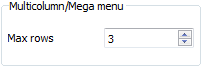
Create Mega Menu with multicolumn submenus. Specify the number of rows you want to have.
Small size
Immediate loading of the menu. Doesn't use additional files.
What's New
CSS3 Menu v5.3 (Aug 7, 2021)* 7 new skins: Bulgy, Delicacy, Eight, Elite, Impressive, Recent and Eternity
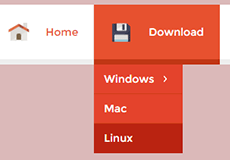
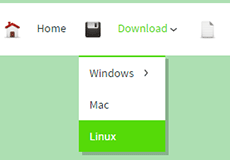
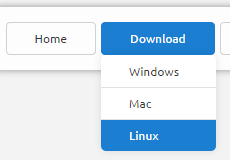
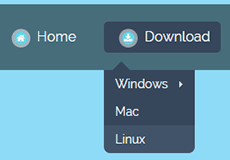
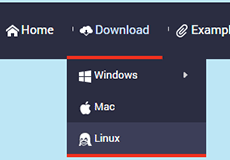
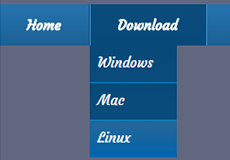
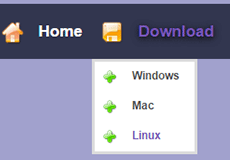
* New icon font
* HTML5 Video after save
* Prevented W3C validator errors
* Added meta tag for mobile responsiveness
CSS3 Menu v5.2 (May 16, 2021)
* New flat skins: Lilt and Magnetic
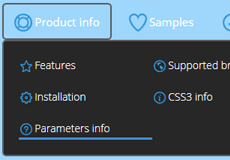
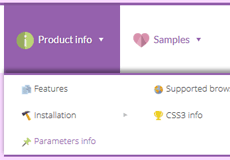
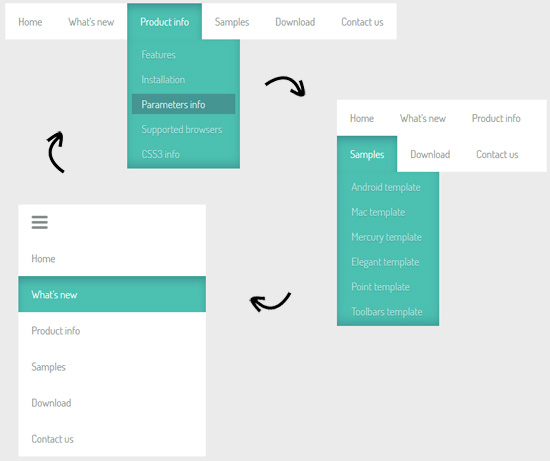
* Improved responsive design. Now menu collapses to a single hamburger button at low screen which expands when you tap or click it. See - we builder software
* Bug fixes
CSS3 Menu v4.9 (March 12, 2020)
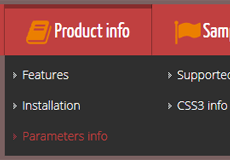
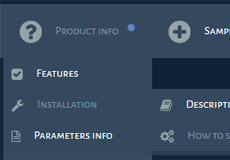
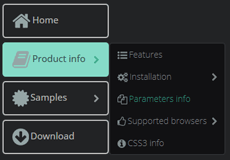
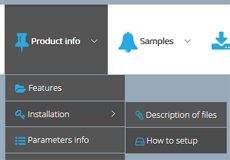
* New flat skins: Neat, Refined, Facet and Jalousie
* New flat icon sets: Smart-grey and Smart-orange


CSS3 Menu v4.7 (January 30, 2020)
* New flat skins: Posh, Boundary
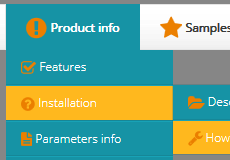
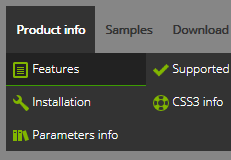
* New flat icon sets: Smart-blue, Fantasy-green


CSS3 Menu v4.6 (December 12, 2019)
* New flat skins: Sparkle and Volume
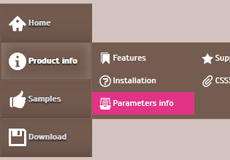
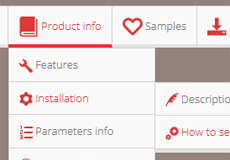
* New flat icon sets: Fantasy-white and Fantasy-red


CSS3 Menu v4.5 (November 14, 2019)
* New flat skins: Gleam, Sublime and Blurring
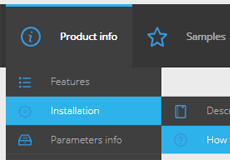
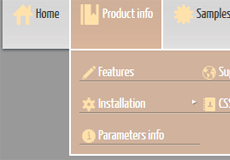
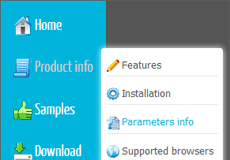
* New flat icon sets: contour and geometric


CSS3 Menu v4.4 (October 10, 2019)
* New flat skins: Marker and Smoke
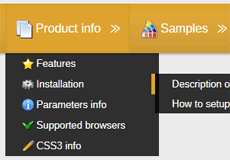
* New flat icon sets: creative, rainbow and thumbtack

CSS3 Menu v4.3
* New flat skins: Metropolitan and Cloud
* New flat icon sets: Stylish-Basic, Stylish-Computer, Stylish-Nature, Urban, Cartoon, Minimalist



* New languages for site: Swedish and Japanese.
* Bug fixes
CSS3 Menu v4.2
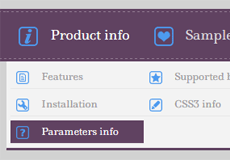
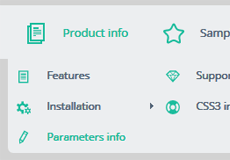
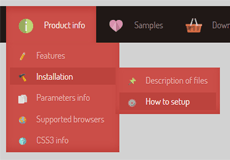
* New flat skins: Stitch, Flat Solid, Neoteric
* Updated list of available Google Web Fonts - Dosis, Ledger, Yanone Kaffeesatz fonts were added
* Fixed problems with Balance template in Internet Explorer browser
* New languages for site: Italian and Russian.
* Bug fixes
CSS3 Menu v4.0
* 3 new icon sets (Cosmo, Eldorado, Flat), 388 icons in total, each in several sizes:



CSS3 Menu v3.9
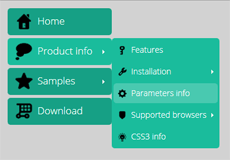
* New menu templates: Flat , Metro , Graffito and Motion:
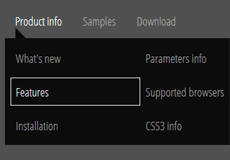
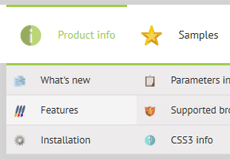
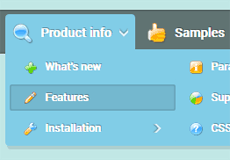
* Updated "Insert to Page" wizard.
* Major and minor fixes.
CSS3 Menu v3.8
* New menu templates: Reflex and Sphere:
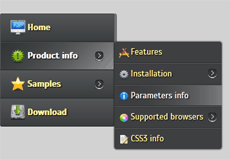
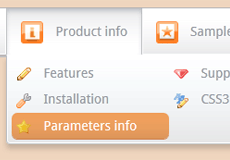
* Support for Google Web Fonts.
* Major and minor fixes.
CSS3 Menu v3.7
* New menu templates: Radiance and Syndicate:
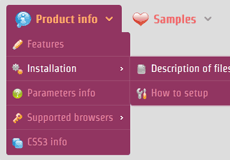
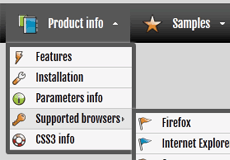
* Major and minor fixes.
CSS3 Menu v3.5
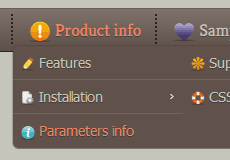
* New menu templates: Balance and Inspire:
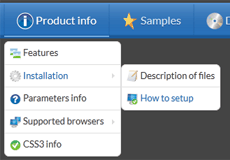
* New interface languages: Latvian, Serbian
* Major and minor fixes.
CSS3 Menu v3.1
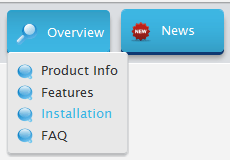
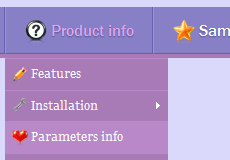
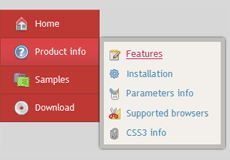
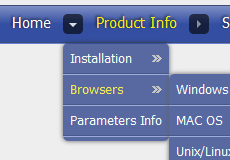
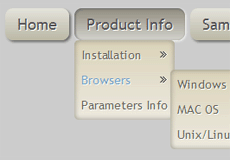
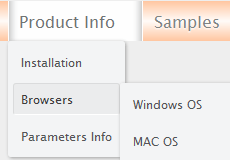
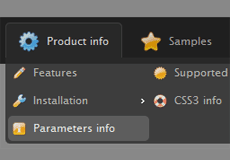
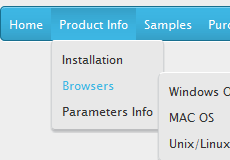
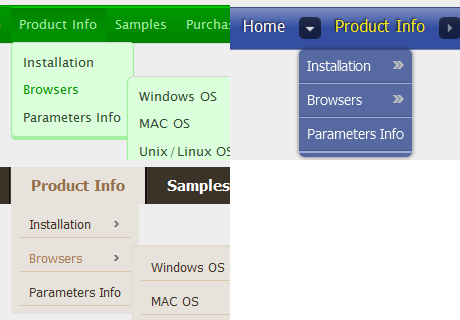
* New menu templates: Push (responsive dropdown menu), Paradox, Hybrid, Nebula, Nexus, Pure, Crystalline, Push Plastic, Enigma:
* New interface languages: Afrikaans, French, Indonesian, Italian, Romanian, Slovak, Ukrainian
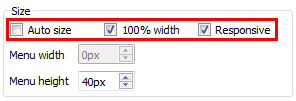
* "Auto size" parameter was added
* "100% width" parameter was added
* "Responsive" parameter was added (live demo)
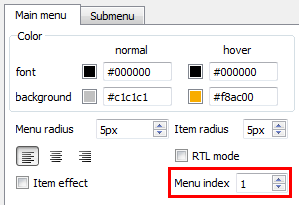
* "Menu index" parameter was added. Now you can add several separate menus per page
* List of cross-platform fonts was expanded
* Major and minor fixes.
CSS3 Menu v2.3
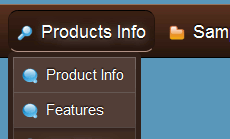
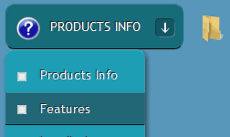
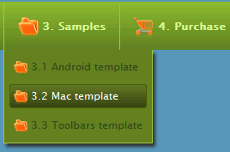
* New menu templates : Core, Current, Enterprise:
* Slide effect for dropdown appearance. Made with CSS3 only. (CSS3 animation demo)
* Item transitional effect. Made with CSS3 only. (CSS3 transition demo)
* Improved RTL mode.
CSS3 Menu v2.2
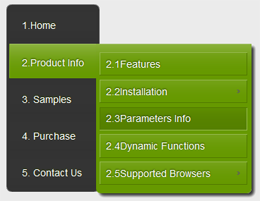
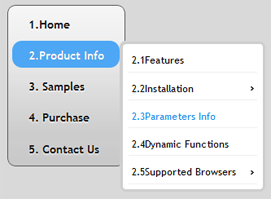
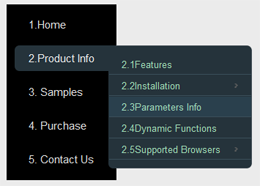
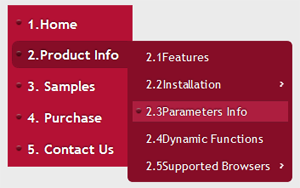
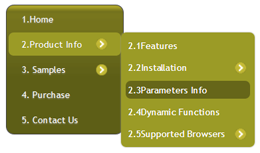
* New vertical menu templates : Blocks, Modern, Elegant, Point, Charge (live demo):
* New interface languages: Croatian, Dutch, German, Polish, Portuguese, Spanish, Swedish, Turkish, Russian
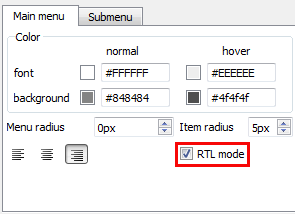
* RTL (Right-To-Left) mode (live demo):
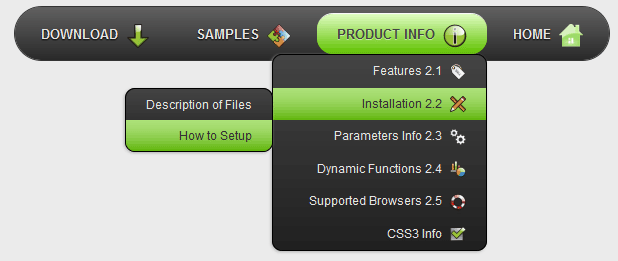
* Fade effect for dropdown appearance. Made with CSS3 only, works in modern FF, Opera, Chrome, Safari
* A lot of minor improvents in menu templates and application
CSS3 Menu v2.0
* New menu templates.
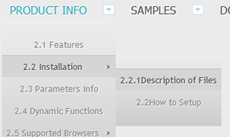
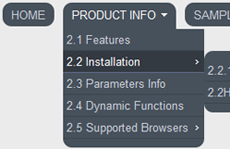
* Fixed a problem with gradient in Opera
* Some changes in GUI to improve usability
* Minor bug fixes
CSS3 Menu v1.9
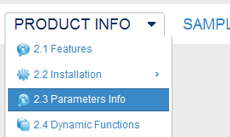
* 28 new menu templates. All templates are created on pure CSS3, without JavaScript and images (images are used for icons only).
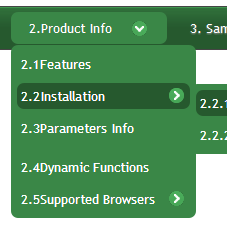
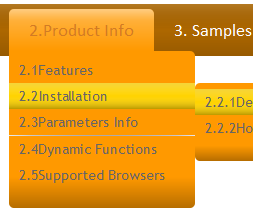
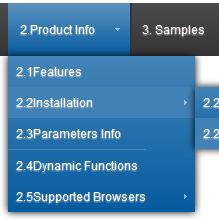
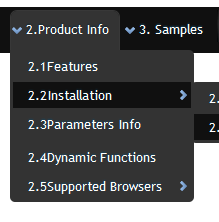
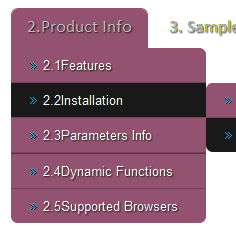
* Submenu opacity.

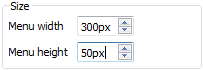
* Menu width & Menu height. Sets the width or height of top menu.
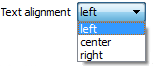
* Text alignment.
CSS3 Menu v1.7
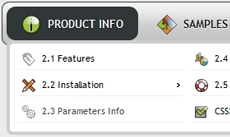
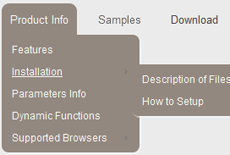
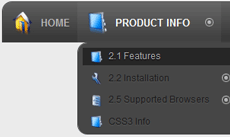
* 36 new menu templates.
CSS3 Menu v1.6
* Bug Fixes.
CSS3 Menu v1.5
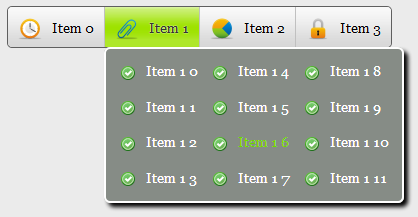
* Mega Drop Down Menu - Multicolumn / Mega Menu option for submenus.
* 20 new menu templates.
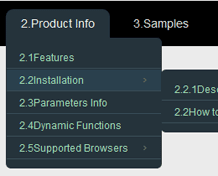
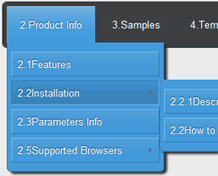
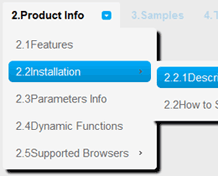
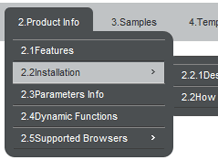
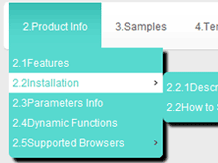
* "Icon" panel. Add fancy icons to menu items easily!
* 22 new icon sets, 2900+ icons in total, each in several sizes.






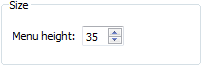
* "Menu height" option. Sets the height of top menu.
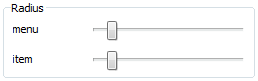
* "Menu radius" and "Item radius" to configure rounded corners.
* Bug fixes.
CSS3 Menu v1.2
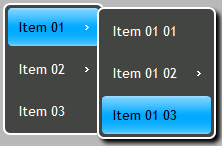
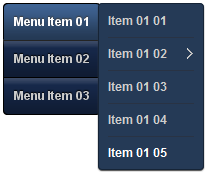
* New templates for vertical menus!
* Use "Move Item" buttons on the Toolbar
 to change item's order inside the menu.
* Specify the radius of the top menu and submenus using "Radius" sliders.
CSS3 Menu v1.0 - First Release!
Get Full Version
CSS3Menu is free for non-commercial use. If you want to use CSS3Menu on a school site, your non-commercial blog or non-profit organisation website, just download CSS3Menu and use it for free.
A license fee is required for commercial use. CSS3Menu Commercial Edition additionally provides an option to create multicolumn menus and includes extended sets of menu templates and icons. After you complete the payment via the secure form, you will receive a license information instantly by email. You can select the most suitable payment method: credit card, bank transfer, check, PayPal etc.
Help
See also:
Technical QuestionsLicense Questions
Recent Questions
Video tutorials:
How to create a simple menu with CSS3MenuHow to create a pure css menu for your website
How to get CSS3Menu HTML code
How to Build a Cool Animated CSS3 Menu with no Javascript
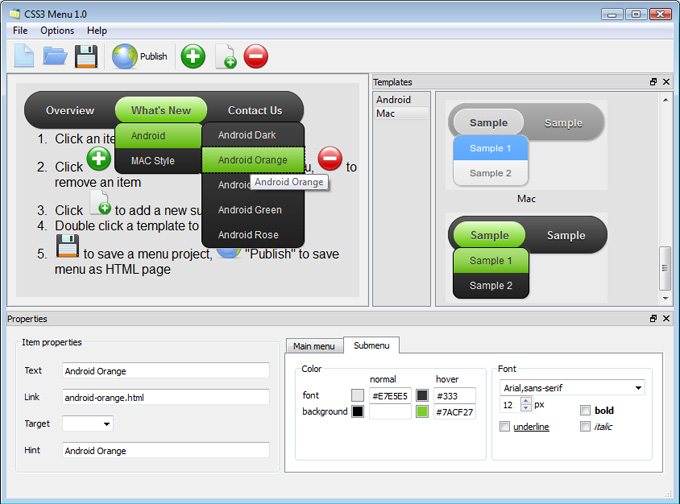
1) Open CSS3 Menu software and click "Add item"  and "Add submenu"
  buttons situated on the CSS3 Menu Toolbar to create your menu.
You can also use "Delete item"
buttons situated on the CSS3 Menu Toolbar to create your menu.
You can also use "Delete item"  to delete some buttons.
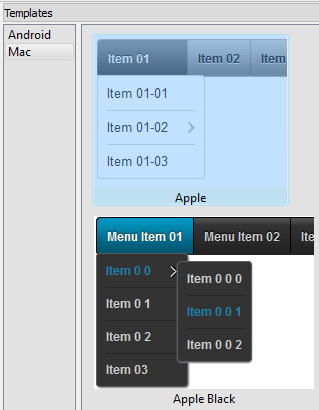
2) Use ready to use Templates. To do it just select theme you like in the "Templates" list. Double-click the theme you like to apply it.
3) Adjust appearance of the menu.
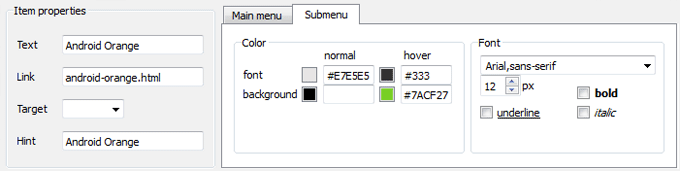
3.1. Select item by clicking it and change button appearance for normal and hover
states and set buttons link properties and link target attributes on the "Main menu" tab.
3.2. Select submenu's item by clicking it and change submenu's appearance for normal and hover
states and set submenu's item link properties and link target attributes on the "Submenu" tab.
4) Save your menu.
4.1. Save your project file. To save project just click "Save"  button on the Toolbar
or select "Save" or "Save As…" in the Main menu.
button on the Toolbar
or select "Save" or "Save As…" in the Main menu.
4.2. Publish your menu in the HTML format. To do it click "Publish"  button on the Toolbar.
Contact US
CSS3 Menu
For troubleshooting, feature requests, and general help,
contact Customer Support at  . Make sure to
include details on your browser, operating system,
CSS3 Menu version, link to your page.
. Make sure to
include details on your browser, operating system,
CSS3 Menu version, link to your page.
In most cases you'll get a reply within 1 business day. Please read the FAQs first to see if your question has already been answered.
E-mail:
Recent Templates
-
Bulgy Red
See live.. -
Delicacy Green
See live.. -
Eight Blue
See live.. -
Elite Blue
See live.. -
Impressive Purple
See live.. -
Recent Blue
See live.. -
Eternity Violet
See live.. -
Lilt Dark
See live.. -
Magnetic Violet
See live.. -
Neat Red
See live.. -
Refined Midnight
See live.. -
Posh Teal
See live.. -
Facet Celadon Vertical
See live.. -
Jalousie Light Grey
See live.. -
Boundary Dark Green
See live.. -
Sparkle Brown Vertical
See live.. -
Volume Light Red
See live.. -
Gleam Dark Blue
See live.. -
Sublime Tan
See live.. -
Blurring Blue Vertical
See live.. -
Metropolitan Dark Lilac
See live.. -
Cloud Ice Blue
See live.. -
Neoteric Dark Red
See live.. -
Flat Solid Grey
See live.. -
Stitch Plum
See live.. -
Flat Turquoise Vertical
See live.. -
Metro Black
See live.. -
Graffito Light Green
See live.. -
Motion Blue
See live.. -
Reflex Black Vertical
See live.. -
Sphere Orange
See live.. -
Radiance Pink
See live.. -
Syndicate Grey
See live.. -
Balance Blue
See live.. -
Inspire Brown
See live.. -
Push Tall (responsive menu)
See live.. -
Crystalline Black
See live.. -
Hybrid Red Vertical
See live.. -
Paradox Amethyst
See live.. -
Enterprise Yellow Green
See live.. -
Current Sky Blue - CSS3 Animation
See live.. CSS Animation Menu -
Core Suddle Brown - CSS3 Transition
See live.. CSS3 Transitions and Opacity -
Fair Grey (RTL mode)
See live.. -
Charge Red Vertical
See live.. -
Modern Dark
See live.. CSS Navigation Bar -
Toolbars Grey Example
See live.. CSS Menu Examples -
Point Aquamarine
See live.. -
CSS Gradient Grey
See live.. CSS3 Gradient Generator -
Simple Blue
See live.. -
Elegant Dark
See live.. -
CSS Mega Menu
See live.. Mega Drop Down Menu -
Mulicolumn Blue Menu
See live.. CSS Mega Menu -
Fresh Seaweeds Menu
See live.. CSS3 Radial Gradient -
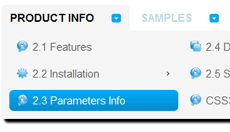
Neon Blue Menu
See live.. -
Frame Dark Grey
See live..
Blog
- Excellent Bootstrap Page Layout For Your Service Agency - Review
- Wonderful CSS Slider Tool
- Responsive Website Builder - Overview
- Superior Video HTML5 Converter Overview
- Form Builder Review - Create Killer Forms
- Create a Wedding Website - 8b Easy Guide 2021
FAQ
- July 15, 2014 Css menus won't start
I downloaded and ran the exe, but couldn't get it to start in win 7 Home Premium. What did I do wrong?
- July 11, 2014 Css menu generator renewal notice
Why am I getting renewal notices that state I am expiring this month. Think your system is a bit confusing, and not sure if I will fall for the renewal next year. thought I bought a lifetime license for what I had.
- July 01, 2014 Sound in css menu bar
Can sound be included when clicking on a menu item?
- June 30, 2014 Reinstall css navigation
It is my understanding that we can have two installation of CSS3Menu that will only work on our web site. Is that correct? We are an all-volunteer organization including our web designers.
- June 30, 2014 Center responsive menu
I used your product and gotta say its great. One question though... how do you center the horizontal menu?
- June 30, 2014 Getting new templates for css3 button generator.
Can you please confirm that it will allow me to get all the new templates that have come out since I last updated? I didn't realize that the updates were new templates, and never updated after the initial download a year ago.
- June 25, 2014 Css button style submenus are not shown
Hi, I've inserted the menu into my page but the submenus cannot be shown. I tried to change z-index property but it didn't help.
- June 25, 2014 Menu publishing error in html drop down menu
I am trying to import code into an HTML page. I follow publish instructions , after clicking insert and publish , it gives me a menu publishing error. What am I doing wrong?
- June 23, 2014 How can i setup css horizontal menu mega menu bar?
Hi, Currently I'm using version 5.2, how can i setup mega menu bar? thank you
- June 23, 2014 Move the horizontal menu css to another pc
Hello, we have purchased a unlimted license but now I have a new pc I want to move to. How can I move my app?
More Templates
-
Android Orange
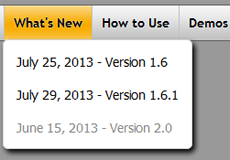
See live demo.. -
Android Blue
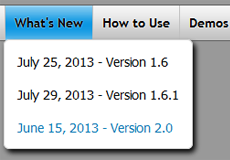
See live demo.. CSS3 Box Shadow Generator -
Android Green
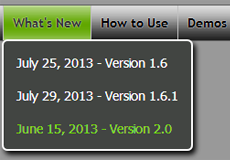
See live demo.. CSS Button menu -
Mac - CSS3 Rounded Corners
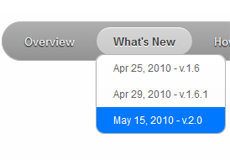
See demo.. CSS3 Rounded Corners -
Mac Green - CSS Border Radius
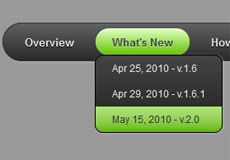
See demo.. Border Radius CSS3 -
Apple
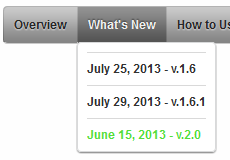
See live demo.. -
Apple Black
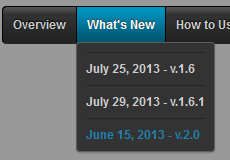
See live demo.. -
Apple Blue
See live demo.. css3 text inner shadow
See Also..
- CSS3 Animation Menu - It is necessary to employ links on navigation menus with advanced features like CSS3 animation...
- CSS3 Text Shadow - The CSS3 text shadow feature creates high-quality shadows with style.
- CSS3 Gradient - Everything changed with the introduction of CSS3 gradient feature.
- CSS3 Transition Menu - The best thing about creating CSS3 transition is that they will still work when accessed from an older browser.
- CSS3 Rounded Corners - Your website’s navigation menu will benefit greatly from adding CSS3 rounded corners to its buttons, sub-menus and sections.
- Mega Drop Down Menu, CSS Menu Examples, CSS3 Buttons Generator, CSS3 Menu Bar , Web Menu, HTML Drop Down Menu, CSS Drop Down Menu, Free Drop Down Menu